Choose the channel and aspect ratio. Use 9:16 for a vertical story or 1:1 for a square composition.
FOR CONTENT CREATORS
AI social media images that start with your idea.
Turn a campaign idea into a visual starting point. Design around the format you need, with room for a caption, a product story, or your next announcement.
- Frame for vertical and square posts
- Explore a recognizable color palette
- Build around space for your copy
A PRACTICAL STARTING POINT
Make the idea your own.
Place the subject away from areas reserved for interface overlays or text. Describe the desired negative space explicitly.
Review the crop at phone size, then add final typography in your design tool. Preview on the destination platform before publishing.
YOUR STARTER PROMPT
Skip the blank canvas.
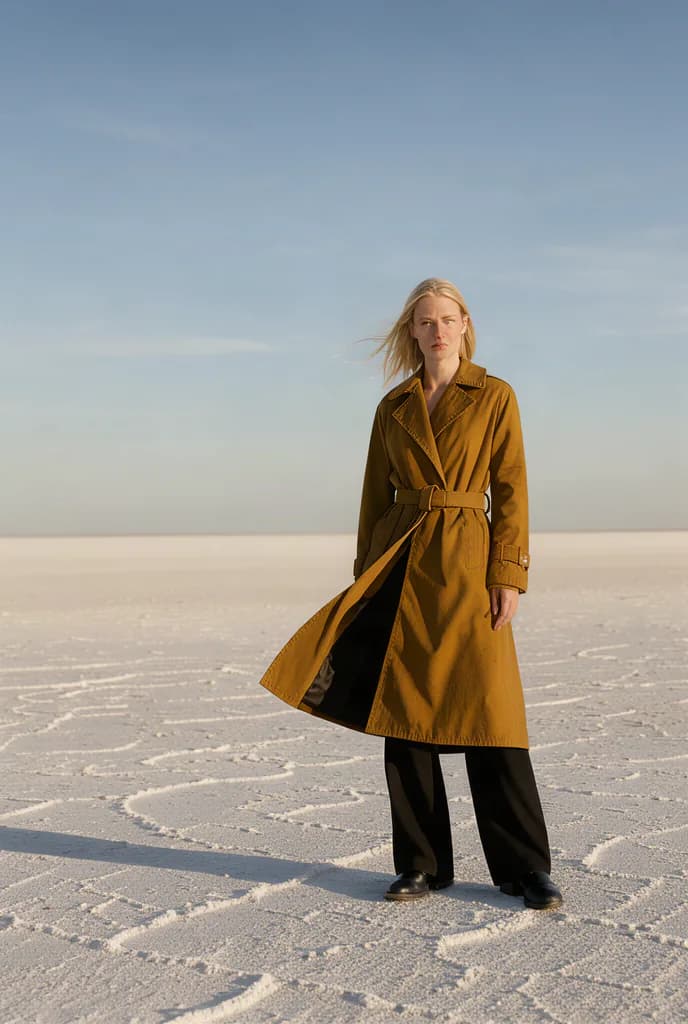
Use this as a starting point, then adjust the subject, palette, and framing. For the prompt paired with the artwork above, visit the gallery.
Full-length luxury fashion editorial photograph of an adult blonde woman standing alone on a vast pale dry salt flat. She wears a mustard-ochre belted trench coat over black wide-leg trousers and black boots. A breeze lifts the left side of the coat outward. The model faces the camera with a composed expression, positioned slightly right of center in the lower half of the frame. Very low distant horizon, expansive soft blue sky, warm low-angle sunlight from the right, long crisp shadow stretching toward the lower left, subtle ground texture, minimalist cinematic composition, natural colors. No text, logos, or watermark.Suggested aspect ratio: 2:3Use this prompt
Does this create or publish videos?
This workflow creates still images. You can download a completed image and use it in your own content workflow; publishing and video creation happen separately.
Read the prompting guide