Describe the product, material, surface, and light. Start with a simple composition before adding props.
FOR BRANDS & STORES
AI product photography. Give your next launch a new setting.
Build a visual direction before you book a shoot. Explore backgrounds, surfaces, and lighting, then bring your own product reference into the image editor.
- Explore studio and lifestyle settings
- Plan a consistent campaign palette
- Leave space for your own headlines
A PRACTICAL STARTING POINT
Make the idea your own.
For an existing product, open the image editor and upload a clear reference. Name the details that should stay unchanged.
Review logos, packaging text, dimensions, and product accuracy. Use approved product photography where exact representation is essential.
YOUR STARTER PROMPT
Skip the blank canvas.
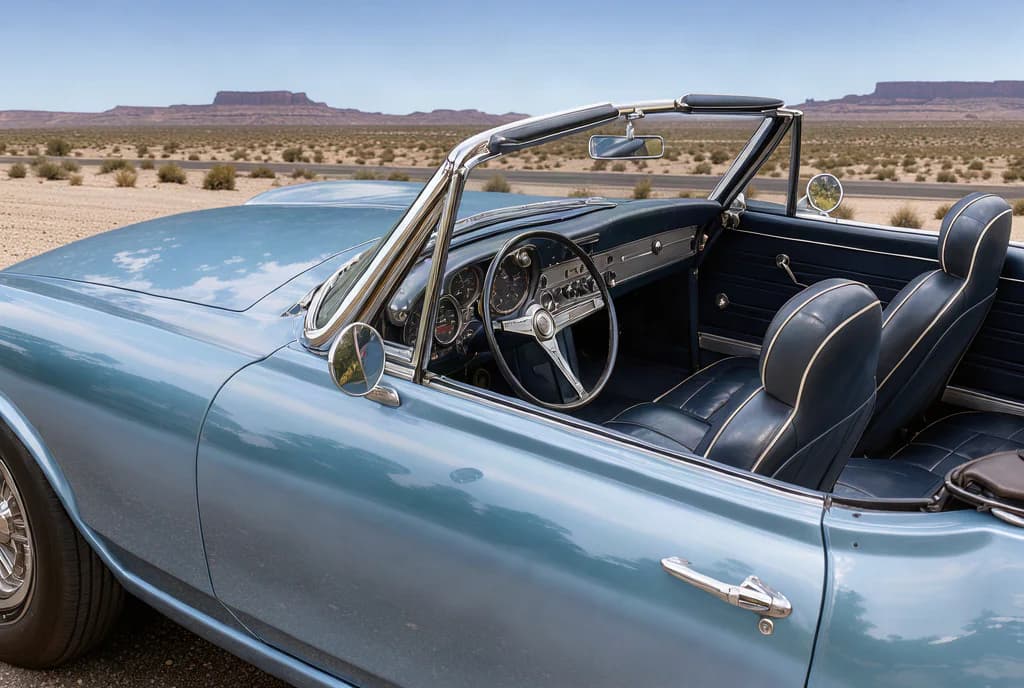
Use this as a starting point, then adjust the subject, palette, and framing. For the prompt paired with the artwork above, visit the gallery.
A minimal studio product photograph of a matte ivory ceramic perfume bottle on a warm limestone pedestal, soft afternoon side lighting, subtle shadows, generous negative space on the right for campaign copy, refined editorial styling, no text.Suggested aspect ratio: 4:3Use this prompt
Will my product look exactly the same?
AI edits can change labels, geometry, and fine details. A reference gives visual guidance, but every result needs a product-accuracy review before publication.
Read the prompting guide