Choose the subject and a physical material, such as modeling clay, painted wood, or paper.
FOR DESIGNERS & WORLD BUILDERS
3D-style AI images. Little worlds, big character.
Give a character or imaginary place a tangible feel. Try modeling-clay textures, miniature buildings, and carefully lit scenes before taking an idea into production.
- Explore character silhouettes
- Plan miniature and isometric worlds
- Experiment with tactile materials
A PRACTICAL STARTING POINT
Make the idea your own.
Describe the camera and lighting. An orthographic isometric view works well for a small environment; a front three-quarter view suits character concepts.
Review the silhouette and material consistency. Use the image as a reference for your next design or modeling step.
YOUR STARTER PROMPT
Skip the blank canvas.
Use this as a starting point, then adjust the subject, palette, and framing. For the prompt paired with the artwork above, visit the gallery.
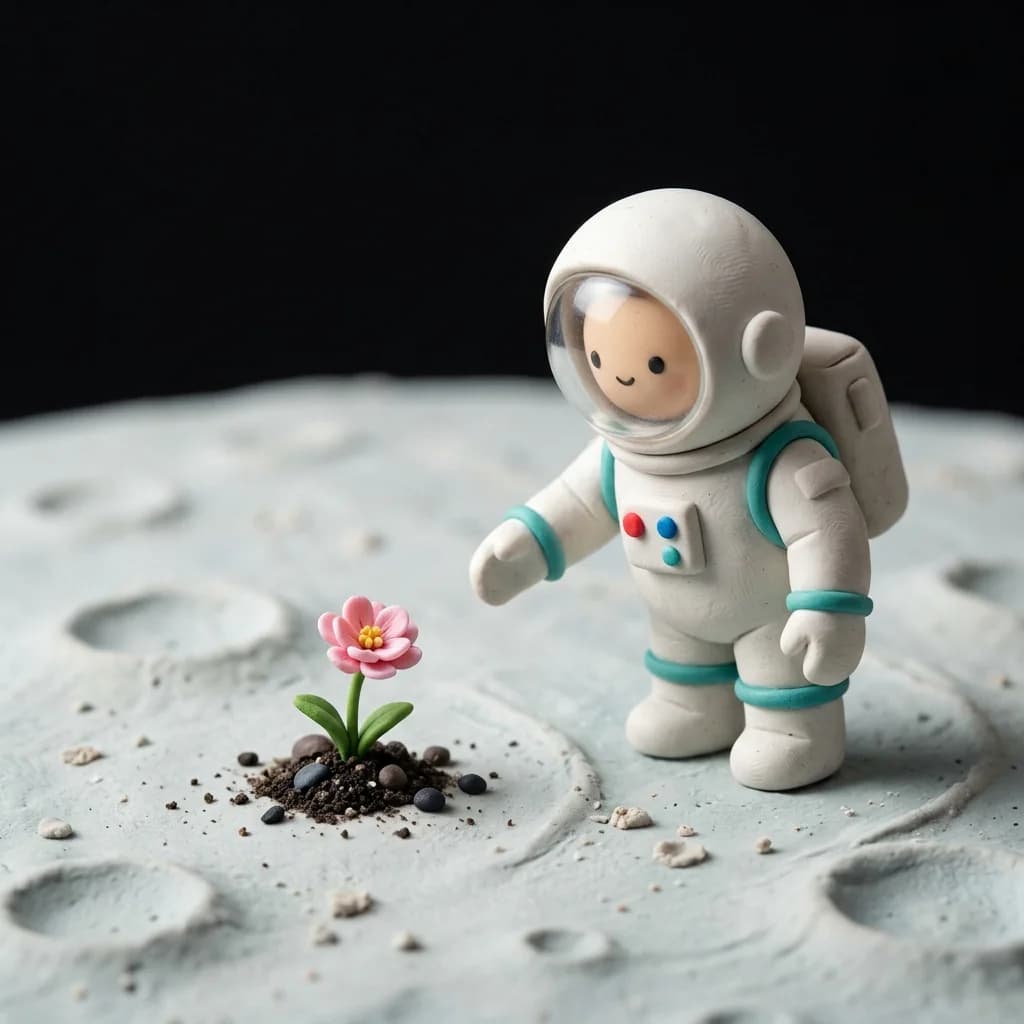
A charming handmade clay miniature of a small astronaut standing on the moon, gently reaching toward a single pink flower growing from a tiny patch of green leaves between dark pebbles. The astronaut has a rounded white spacesuit, turquoise trim, little red and blue chest buttons, a backpack, and a friendly simple face visible through the helmet. Full-body scene, astronaut on the right and flower on the left. Pale dusty lunar terrain with small craters, curved moon horizon, pure black space above. Tactile polymer clay, subtle fingerprints, soft studio lighting, shallow depth of field, stop-motion film aesthetic. No text or logos.Suggested aspect ratio: 1:1Use this prompt
Will I receive a 3D model file?
The output is a flat image with a 3D-style appearance. Meshes, rigging, animation, and editable 3D files are outside this image workflow.
Read the prompting guide