Start with a scene, not a list of adjectives
A useful starting structure is: subject + action + setting + composition + light + medium. For example: a small ceramic teapot on a blue linen tablecloth, photographed from directly above, soft window light from the left, subtle glaze texture. Each phrase should help describe a visible decision.
The examples below are editorial starting points, not measured improvements. Find more image prompts in the gallery. They are informed by the official prompting guide. Short prompts are valid: add detail when it expresses a decision you care about, rather than making every prompt longer.
Turn a vague product brief into visible choices
Consider the starting request: "A premium perfume ad, beautiful lighting, amazing quality." It leaves the bottle, crop, background, and space for copy undecided. Here is how to make those choices explicit:
| Part of the brief | A concrete instruction | What to inspect in the result |
|---|---|---|
| Subject | A matte ivory ceramic perfume bottle | Material and silhouette read clearly |
| Setting | On a warm limestone pedestal | Bottle and surface do not merge visually |
| Light | Soft afternoon side lighting | Highlights reveal the curved surface |
| Layout | Bottle on the left, empty space on the right | There is room to add campaign copy later |
| Output intent | Editorial product photograph, no text | The scene leaves typography to your design tool |
These are directions to evaluate, not promised outcomes. If you intend to show an actual product, use its reference photo for an edit and check the label, cap, proportions, and color against the original. A text-only bottle concept should not stand in for a verified photograph of a real SKU.
Photography: describe the light and frame
Instead of adding many quality words, specify the lighting direction and camera position. Try: an editorial portrait of a woman in a denim jacket against a warm orange backdrop, soft light from a large window on the left, waist-up framing, natural skin texture. If a result misses your intention, change one property and compare.
Illustration: choose a coherent medium
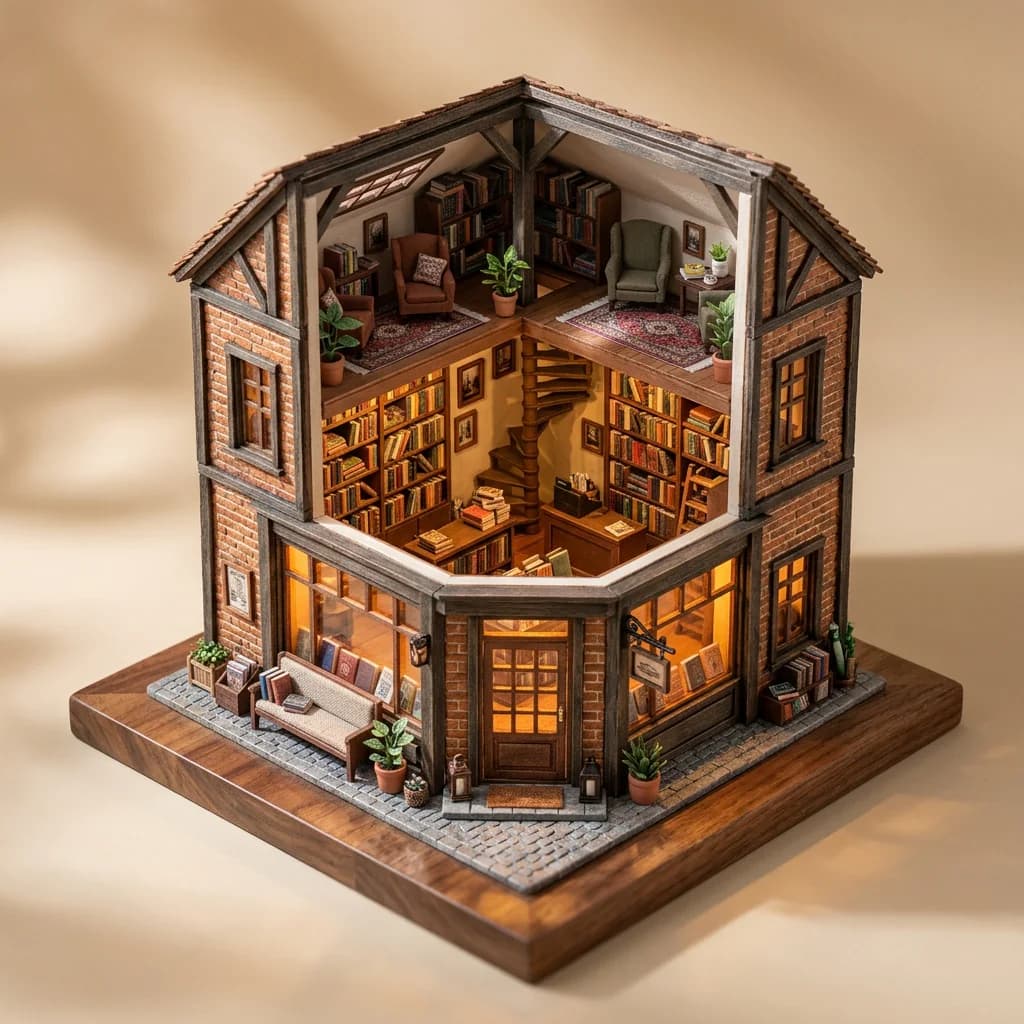
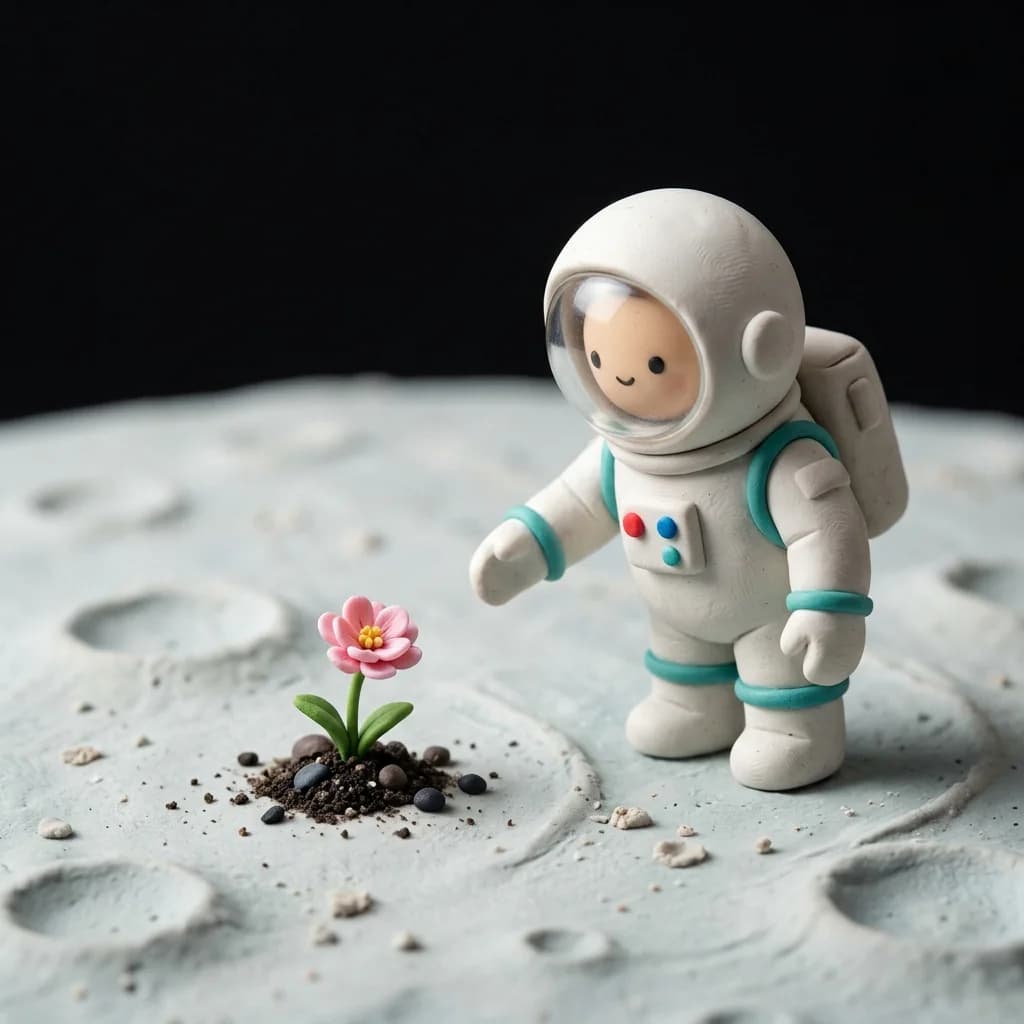
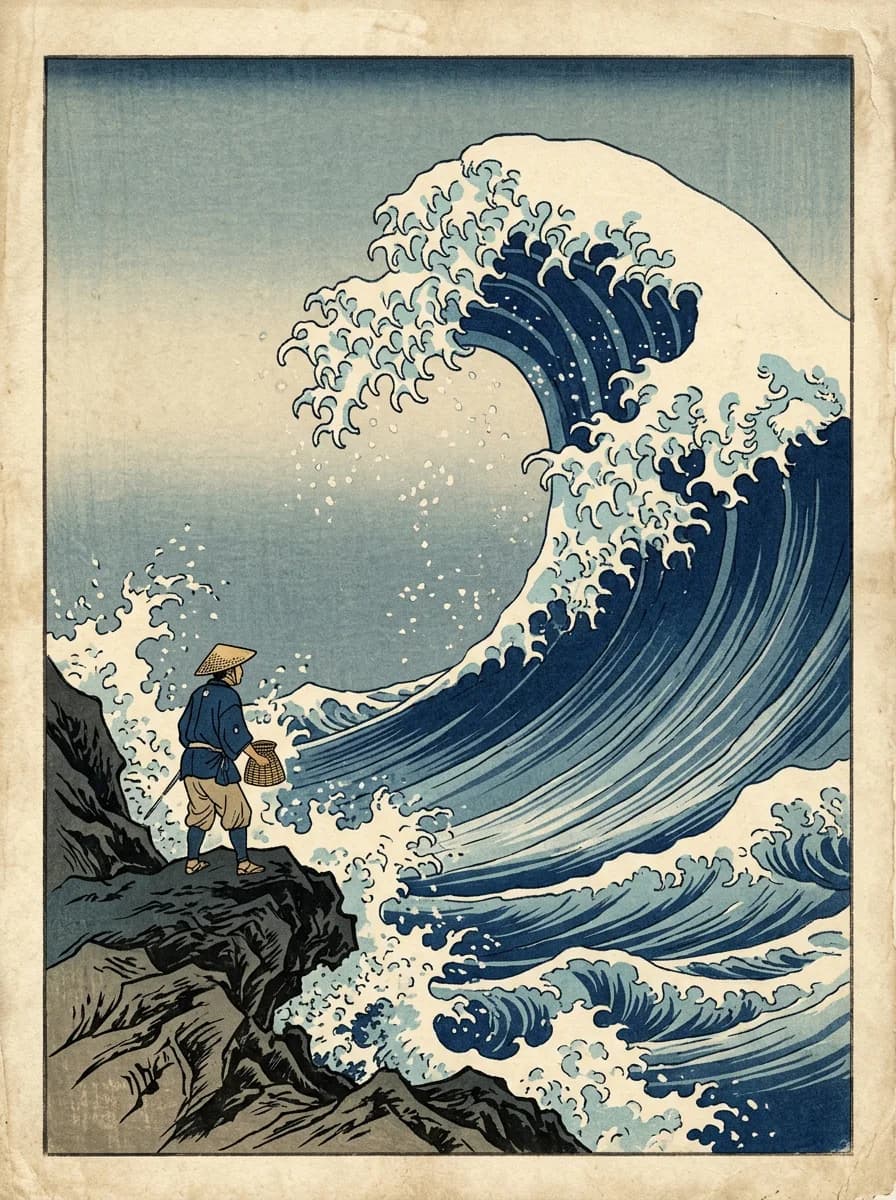
For a woodblock image, describe layered ink, paper texture, a restricted palette, and graphic shapes. For a clay scene, describe modeled surfaces, miniature scale, and studio lighting. Materials and making processes give the model a more coherent visual direction than combining many unrelated styles.
Editing: say what changes and what stays
Upload your reference and use a specific instruction: move the blue convertible to an empty desert road under a clear sky; preserve the car’s paint color, body shape, and camera angle. Review the output at full size. Subject preservation is a useful goal, but details can still change.
Text inside images
Put the exact words in quotation marks and explain where they belong. For example: a minimal poster with the headline “MAKE ROOM” in large dark blue letters at the top, a small geometric chair illustration below, generous cream margins. Keep copy short at first and inspect spelling and letterforms after generation.
A repeatable iteration loop
Start at 1K, record the prompt, aspect ratio, resolution, and any reference image, then change one variable at a time. Compare composition before paying for a larger result. The specific Klein API reference documents an optional seed. If your chosen interface exposes it, record it as well. The general FLUX 3 prompting guide describes a different seed limitation, so check the endpoint you actually use rather than applying that statement to every model.
A fixed seed does not guarantee byte-identical results across model updates or different backend implementations. Changing resolution can also change details. For a local Klein installation, follow BFL's prompt-upsample setup; the hosted API and a local pipeline do not necessarily apply the same prompt preparation automatically.
Diagnose one problem before rewriting everything
- The subject is too small: specify a tighter crop or that the subject fills most of the frame. Raising resolution changes the size tier; it does not describe the composition you want.
- There is no space for a headline: specify the subject's position and which side should remain visually quiet. Add the final headline in your design tool if spelling or brand typography is critical.
- An edit changes too much: reduce the request to one change and list the few details that must remain. Compare the result against the uploaded reference, not your recollection of it.
- Materials conflict: choose one dominant visual process, such as ink on paper or handmade clay, before adding another style.
Use the gallery as a jumping-off point
Find an image in the gallery and use its prompt in the studio. The car background edit also includes its reference image and upload instructions.
Starter prompts to adapt
A simple product photograph
A matte ivory ceramic perfume bottle on a warm limestone pedestal, soft afternoon side lighting, subtle shadows, generous negative space on the right for campaign copy, refined editorial styling, no text.
Try this promptA graphic illustration
A woodblock illustration of a lighthouse above a stormy sea, layered navy and cream ink, textured paper, bold graphic waves, a restrained palette, tall poster composition.
Try this promptA reference-based edit
Upload a reference in the image editor, then describe the change in one sentence:
Move the blue convertible to an empty desert road under a clear sky. Preserve the car's paint color, body shape, and camera angle.
These are editorial starting points. Visit the gallery for prompts paired with the site artwork. Learn more about the model and its capabilities.
Sources & further reading
Official prompting guide Klein prompt upsampling Klein endpoint parameters, including seedOfficial documentation checked on . Features, prices, and terms may change.
Put your next idea to work.
Take a starting point into the image generator, then make it yours.
Start creating